Quick answer
Install Launchpad, move it to Applications, activate it, and use a shortcut or hot corner to reopen a fullscreen app grid on Tahoe.
If your real search is “how do I bring Launchpad back on macOS Tahoe,” the practical fix is to restore a dedicated visual launcher. Spotlight is still best for exact app names and the Dock is still best for favorites, but neither replaces the old full-grid browse-and-open layer.
The old habit broke
Many users relied on opening a fullscreen grid first and deciding visually, not typing every app name into search.
You want every app in one place
The Dock is selective and Spotlight is text-first. A grid solves the moment when you want to see everything at once.
You still need folders and pages
Visual grouping matters when you manage a larger app library and want calmer browsing than a crowded Dock provides.
What “bring back Launchpad” really means on macOS Tahoe
Most users are not looking for an isolated cosmetic tweak. They want the old workflow back: open one fullscreen surface, scan icons by recognition, and launch quickly. That is why this topic connects directly with no Launchpad on macOS Tahoe, show all apps on Tahoe, and Launchpad shortcut on Tahoe.
Fastest path to restore Launchpad on Tahoe
- Download the DMG: get Launchpad from the official download page.
- Move it into Applications: keep it in the standard Mac app location.
- Activate your license: use the code generated after checkout.
- Set your preferred trigger: hotkey, hot corner, or menu bar access depending on how you launch apps.
Once that is done, your old visual app-grid behavior returns without forcing every launch through Spotlight.
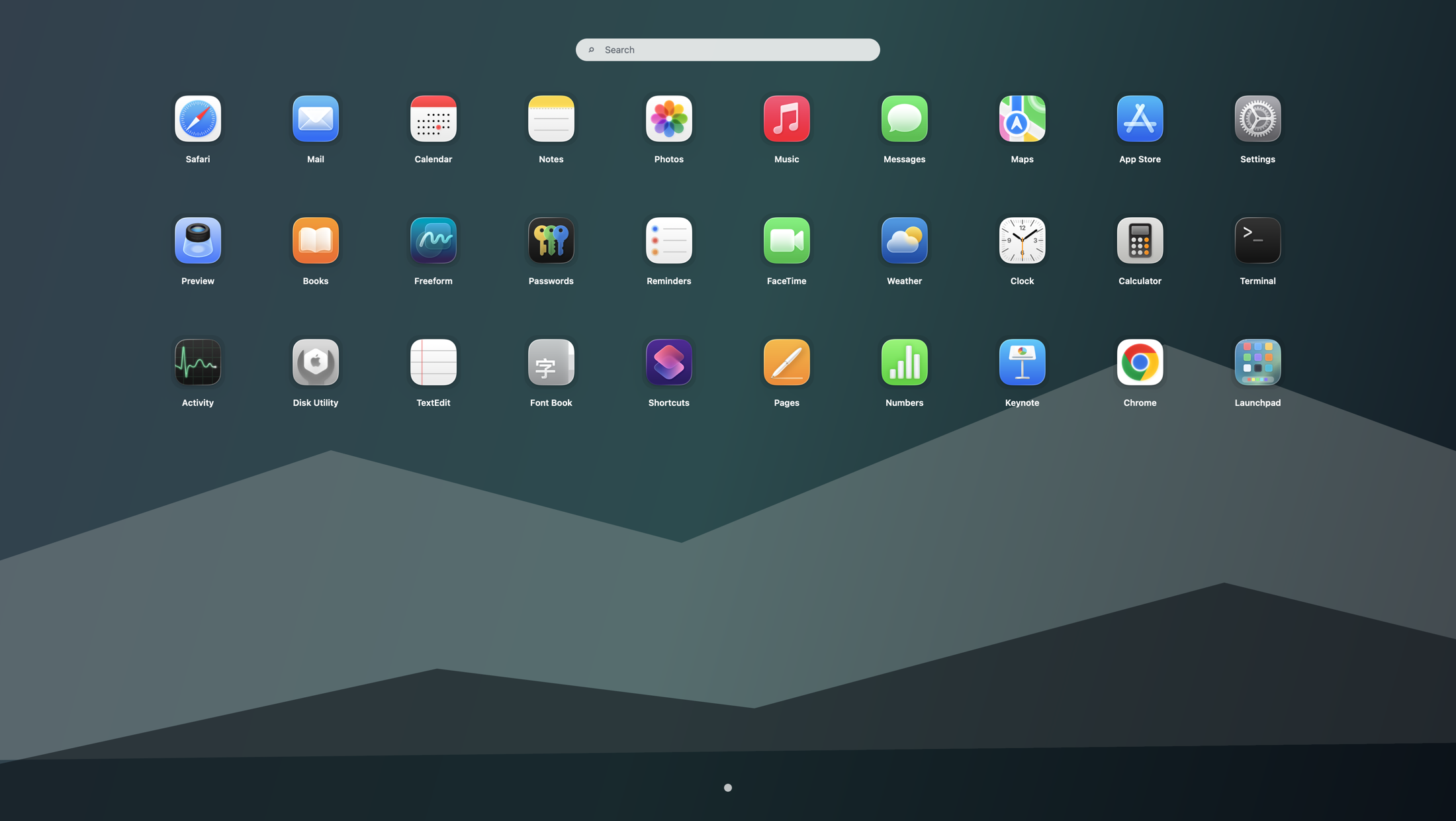
How Launchpad fits with Spotlight, the Dock, and Finder
Use Launchpad for browse-and-open, Spotlight for exact-name search, the Dock for frequent favorites, and Finder for file-level management. This layered setup is explained further in the Tahoe app launcher workflow guide and the Launchpad alternatives overview.
What to do if you also miss folders or the old shortcut
If you are trying to restore the old organized feel, continue with Launchpad folders on Tahoe. If the missing piece is one-key access, go next to Launchpad shortcut on Tahoe. Chinese-speaking users can use the localized restore guide at how to bring Launchpad back on macOS Tahoe in Chinese. These pages target the specific follow-up intents users usually have after searching for how to bring Launchpad back.
Search terms this guide answers
FAQ
Can I bring back Launchpad on macOS Tahoe?
Yes. Launchpad restores a fullscreen app grid on macOS Tahoe 26 and newer so you can browse apps visually again instead of relying only on Spotlight or the Dock.
Why are people searching for how to bring back Launchpad after upgrading to Tahoe?
Because the old app-launching habit changed. Many users want the previous one-step flow back: open a fullscreen grid, scan icons quickly, and launch by recognition.
What is the fastest way to restore the old Launchpad experience on a Mac?
Download Launchpad, move it into Applications, activate it, and assign a shortcut, hot corner, or menu bar trigger so the grid is always one action away.