Icon size and density
Use fewer, larger icons on a laptop or a denser grid on a large display.
 Built for macOS Tahoe 26+
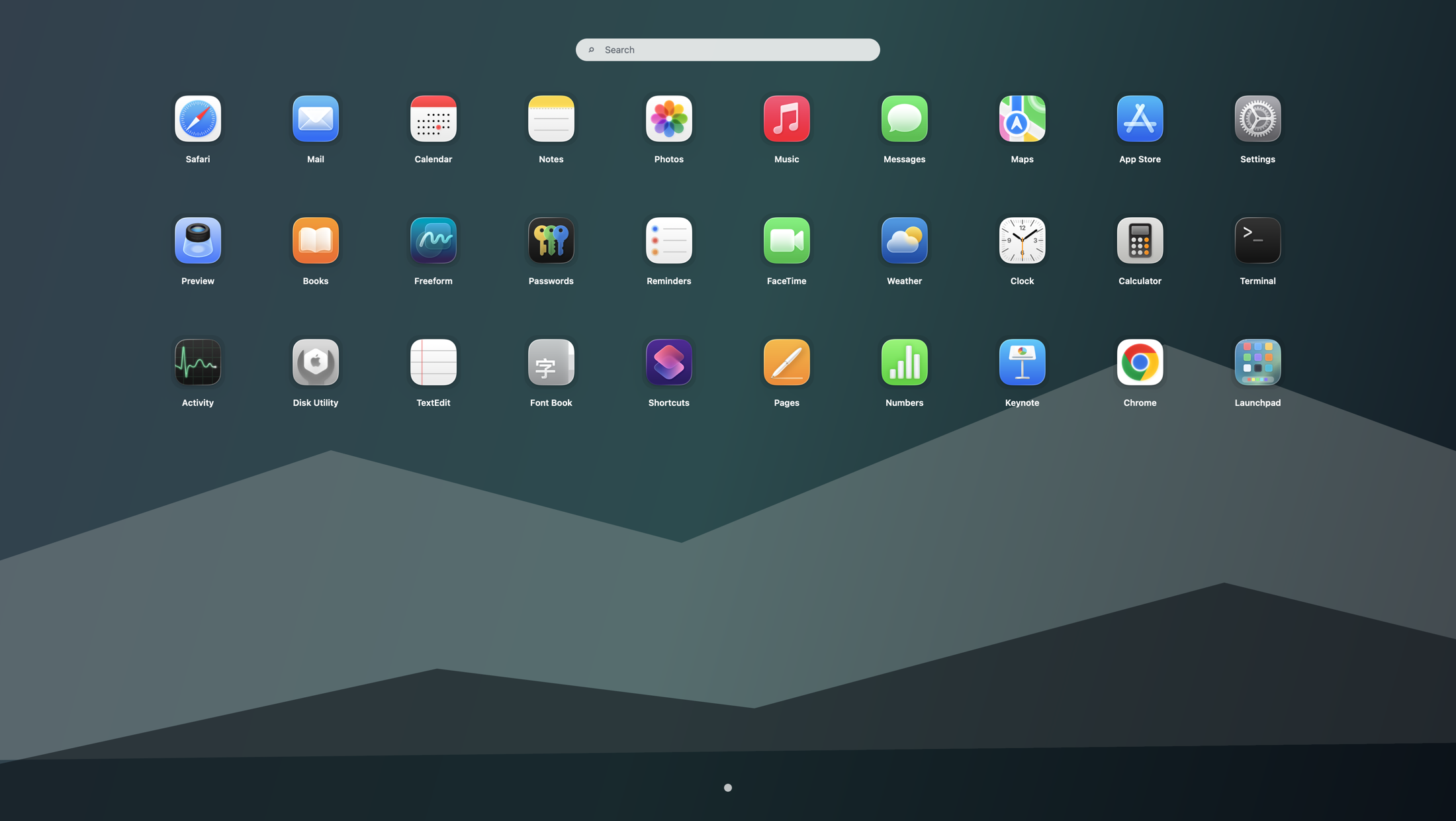
The familiar fullscreen app grid is back.
Browse every Mac app visually again, with smooth paging, folders, search, keyboard shortcuts, hot corners, and a layout that fits your screen.
What changed in Tahoe?
macOS Tahoe 26 moved app browsing into the new Apps interface. Launchpad restores the fullscreen grid, pages, folders, and flexible layout many Mac users still prefer.
Read what happened to LaunchpadFeels familiar. Works your way.
Keep the visual way you already know, then adjust the details that make it feel right on your Mac.
A spacious fullscreen grid makes visual browsing fast again, without crowding everything into the Dock.
Swipe, scroll, click, or use the keyboard. Paging direction and sensitivity can match your mouse or trackpad.
Search instantly, keep favorites close, hide clutter, and organize related apps into folders.
Use fewer, larger icons on a laptop or a denser grid on a large display.
Open Launchpad with Option + Space, the menu bar, or a chosen screen corner.
Keep important tools visible and move everything else out of the way.
Use English, Chinese, Japanese, Korean, French, German, Spanish, Italian, or Portuguese.
See the change
Watch the English walkthrough with narration: download, install, activate, then open and page through Launchpad.
Get the lightweight DMG for macOS Tahoe 26+.
Drag Launchpad into Applications and open it.
Use your shortcut or hot corner whenever you need an app.
Ready to try it?
Launchpad 1.0.0 · DMG 2.4 MB · macOS Tahoe 26 and newer
Simple one-time pricing
Stripe handles secure checkout. Your activation code appears automatically after payment.
Single Mac
1 deviceFor one personal Mac.
Three Macs
Best valueFor multiple Macs or a small team.
Automatic delivery
There is no manual wait. The site receives Stripe’s payment confirmation, creates your license, and shows the activation code on the success page.
Good to know
Apple replaced the classic Launchpad workflow with the new Apps interface. This app restores a familiar fullscreen grid for people who prefer visual browsing, custom pages, and folders.
Launchpad is designed for macOS Tahoe 26 and newer and supports both Apple silicon and Intel Macs.
After Stripe confirms payment, the success page displays your activation code. The email on the order can also be used for later support and lookup.
It gives one activation code with up to three device seats. The app features are the same on both plans.
Mac help library